Buy & Pay
Create a Bitcoin wallet in 10 minutes – and pay anonymously on the internet
6 Min. reading time · Updated on 20. August 2026
. Reading time
Many shy away from Bitcoin because it sounds like technology and effort. But the truth is: Setting up a wallet takes about 10 minutes once – and from then on, you pay every Bitcoin invoice in a few seconds, via QR code, just like online banking. The merchant sees neither your bank nor your card details. This guide leads you in three steps from zero to your first payment.
A word of honesty upfront: "Anonymous" here means anonymous towards the merchant and the rest of the internet – no account, card, or ID data ends up with the shop where you pay. The wallet platform itself (here: Coinbase) requires a one-time verification during registration; EU regulation mandates this for every serious provider. If you don't want that either, there is the voucher method without any ID – more on that below.
Why Coinbase for getting started?
- The world's most famous regulated crypto platform – App and support completely in German.
- All common payment methods in one app: PayPal, credit card, Apple Pay, Google Pay, and bank transfer.
- Purchase and payment in the same app – you don't need a second program.
- Supports the Lightning Network: Payments are confirmed in seconds.
Coinbase is available as an app (iOS/Android) and in the browser – completely in German.
Step 1: Download the app and create an account (~5 minutes)
Download the Coinbase app from the official store or open the website in your browser. Creating an account is done with an email address and password; this is followed by a one-time verification with an ID and selfie directly in the app. It sounds like bureaucracy, but it's done in a few minutes – usually, the account is activated immediately.
Official Downloads
- coinbase.com/de — in the browser, without an app
- Coinbase in the App Store (iPhone/iPad)
- Coinbase in the Play Store (Android)
Step 2: Buy Bitcoin (~2 minutes)
Tap "Buy" in the app, select Bitcoin, and enter the amount in Euros. Payment is made with PayPal, credit/debit card, Apple Pay, or Google Pay – the purchase is completed immediately, and the balance is directly available. A practical tip: Buy about €5–10 more than your invoice requires. This way you are buffered against price movements and network fees; whatever is left over simply remains for the next payment.
Transparency regarding costs: Coinbase charges around 2–4% in fees per purchase, depending on the payment method. That is the price for having everything in one app and it working instantly. Those who pay regularly and want to save money will find a lower-fee alternative below.
Step 3: Pay via QR code (~1 minute)
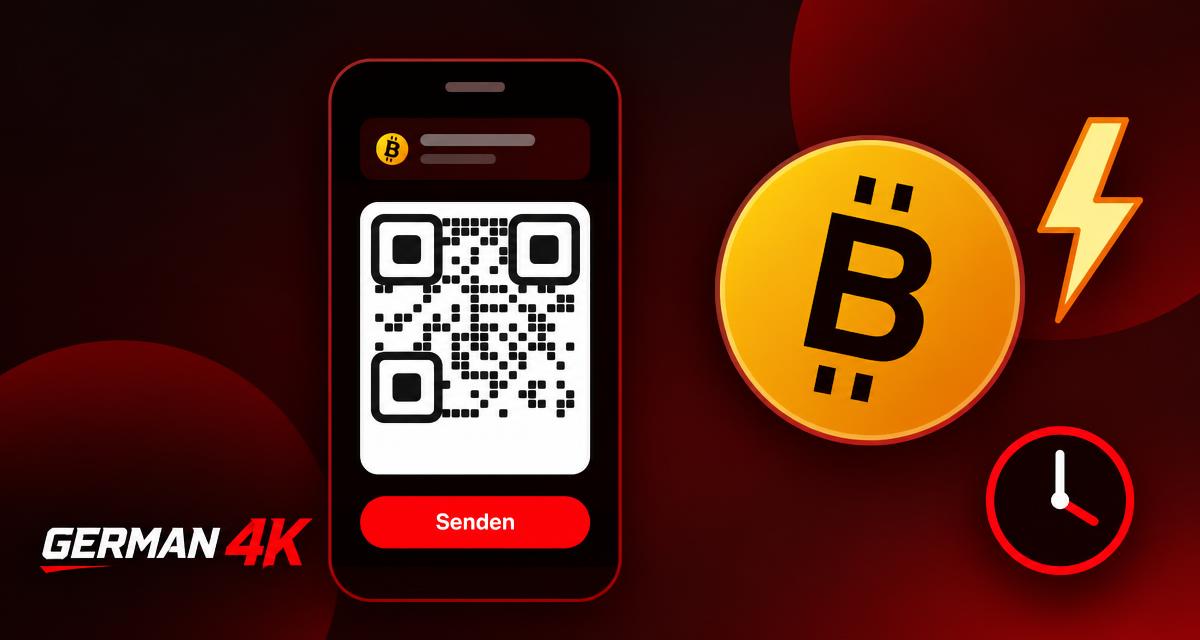
Now for the actual moment: On the merchant's payment page – in our case, the BTCPay invoice page – you select "Lightning" and a QR code is displayed. In Coinbase, you tap "Send", select Bitcoin and then the QR symbol, scan the code, and confirm. Done. The payment reaches the merchant in seconds; at German 4K, your access is then created automatically and arrives via email.
On a computer without a camera? Then copy the Lightning invoice (the long text under the QR code) on the payment page and paste it into the send dialog in Coinbase as the recipient. And if a payment page happens not to offer Lightning: The classic on-chain method works exactly the same way – only the confirmation then takes a few minutes instead of seconds. We explain both ways in detail in the guide to Bitcoin payment.
For heavy users: Strike – send without fees
If you pay with Bitcoin more often, it's worth looking at Strike: a clean Lightning app with which sending is free of charge. The catch for those in a hurry: It is topped up via bank transfer, which takes 1–2 business days – PayPal or card are not available there. Strike is therefore not for the spontaneous first payment, but ideal for keeping funds ready: top up once, and pay for every future renewal in ten seconds.
Strike (official)
Completely without ID? The voucher method
You don't want any verification at all – not even once at Coinbase? Then the Bitcoin voucher is your way: buy a voucher with PayPal, card, or Apple/Google Pay and redeem the code with us, completely without a wallet and without an account. How this works is described step-by-step in the voucher guide.
Conclusion: 10 minutes that are worth it
Having your own wallet is not a technical project, but a fifteen-minute setup: create a Coinbase account, buy Bitcoin with PayPal or card, scan the QR code. From the second payment onwards, it feels like contactless payment – except that no bank or card details of yours are held by the merchant. Exactly how paying on the internet should be.
Wallet set up? Then your German 4K access will now take less than five minutes – choose a duration, scan the QR code, access data via email.
Frequently Asked Questions
Is paying with your own Bitcoin wallet anonymous?
Towards the merchant: yes. They see neither names nor bank or card data, and you do not need a customer account with us. The wallet platform itself (e.g., Coinbase) requires a legally mandated one-time verification during registration. The Bitcoin voucher method works completely without an ID.
How long does it really take until I can pay?
Creating an account and verification at Coinbase together take about 5–10 minutes; buying Bitcoin with PayPal or card is completed immediately. The actual payment via Lightning QR code then takes only seconds.
What does it cost me?
The wallet itself is free. When buying Bitcoin via Coinbase, fees of around 2–4% apply depending on the payment method; when paying via Lightning, only minimal network fees in the cent range occur. Tip: buy a little more than the invoice requires – the rest remains for the next payment.
Is it also possible completely without ID and verification?
Yes – via a Bitcoin voucher: buy with PayPal, card, or Apple/Google Pay and redeem the code with us, completely without a wallet and without verification. You can find the instructions for this in our voucher guide.
Which app do you recommend if I pay with Bitcoin more often?
Strike: Sending via Lightning is free of charge there and the app is very clean. However, it is topped up via bank transfer (1–2 business days) – therefore, top up once in advance and then handle every payment in seconds.